![APPLICAA_LOGO-1024x350-4.png]](https://helpdesk.applicaa.com/hs-fs/hubfs/APPLICAA_LOGO-1024x350-4.png?height=40&name=APPLICAA_LOGO-1024x350-4.png)
To export an overall register of everyone signed up across your Taster Day sessions:
1. Go to Communications & Events > Taster Day > Student Submissions & Timetables > Student Timetables.
2. Click Export and choose Export Student Taster Day Timetables (CSV or PDF).
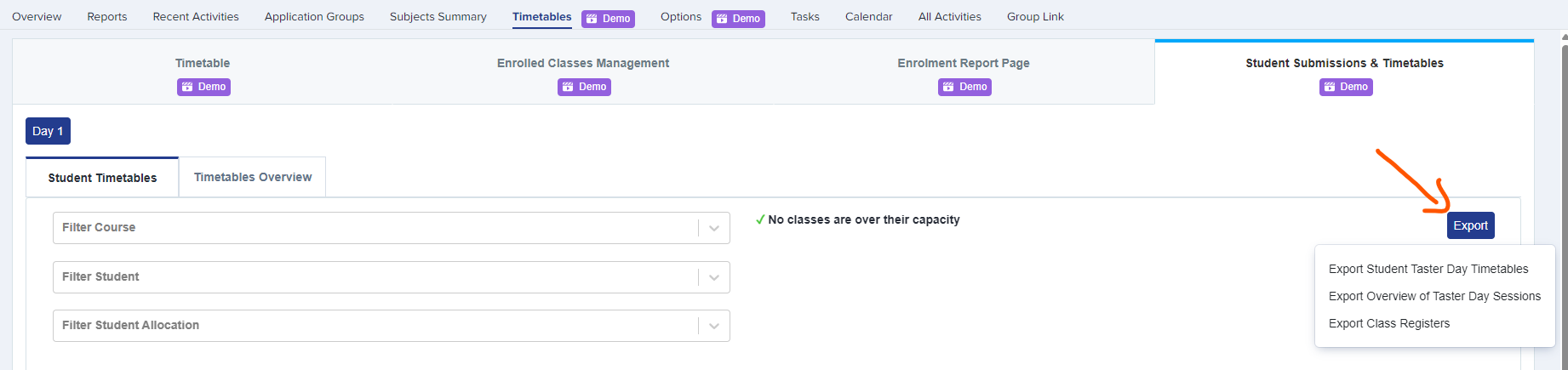
3. For a per-class list use the Class Register export; for a session summary use Export Overview of Taster Day Sessions.