![APPLICAA_LOGO-1024x350-4.png]](https://helpdesk.applicaa.com/hs-fs/hubfs/APPLICAA_LOGO-1024x350-4.png?height=40&name=APPLICAA_LOGO-1024x350-4.png)
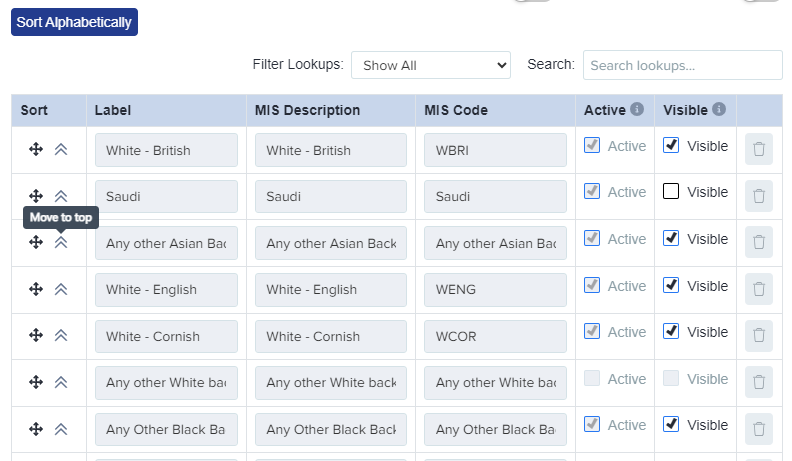
For fields driven by an editable lookup list (e.g. Nationality, Ethnicity), an administrator can manually reorder the options by position in the lookup/property editor. Note the "sort" button re-sorts alphabetically, so set the order manually.
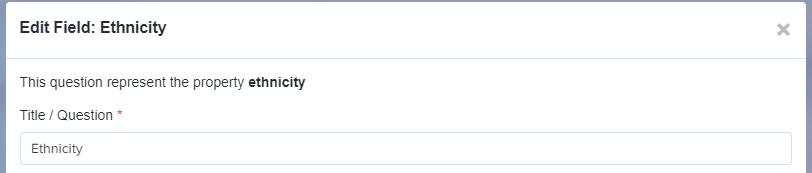
Settings > Application Form. Access the step you wish to edit, and click "I want to make more changes". Navigate to the question you'd like to edit, and click the pencil icon to see the values and to reorder them as desired.
Drag and drop items into position, or use the move to top function.
Save your changes once you have finished.
The main address Country field already shows United Kingdom at the top and this is fixed (not reorderable).